Omnibar App

Omnibar App

Smart setup and control for ARRI Omnibar fixtures

250409-App-Device-Mockup-logo Kopie
Smart control for Omnibar

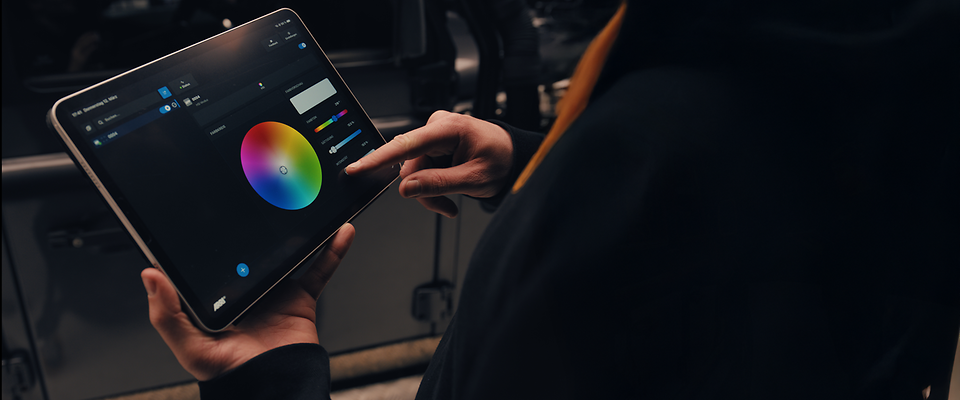
The ARRI Omnibar Control App for iPhone, iPad, and Android devices enables fast, intuitive setup, configuration, and live control of one or multiple ARRI Omnibar fixtures. With a clear interface and efficient workflow tools, it helps users move quickly from setup to control across a wide range of lighting applications.

ALEXA 35 Xtreme und CCA_image_Wide
Faster setup for multi-fixture projects

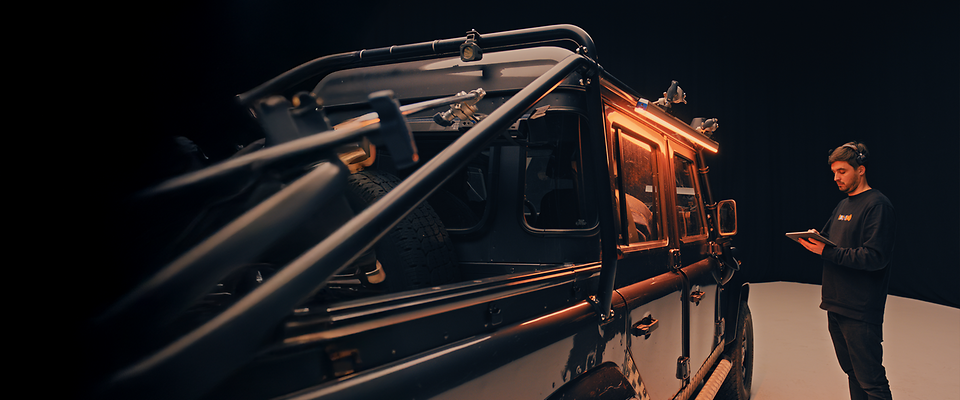
Automatically discover Omnibar fixtures, create scenes, Groups and Shapes, and keep everything structured in a clear project tree.

ALEXA 35 Xtreme und CCA_image_Wide
Precise control at your fingertips

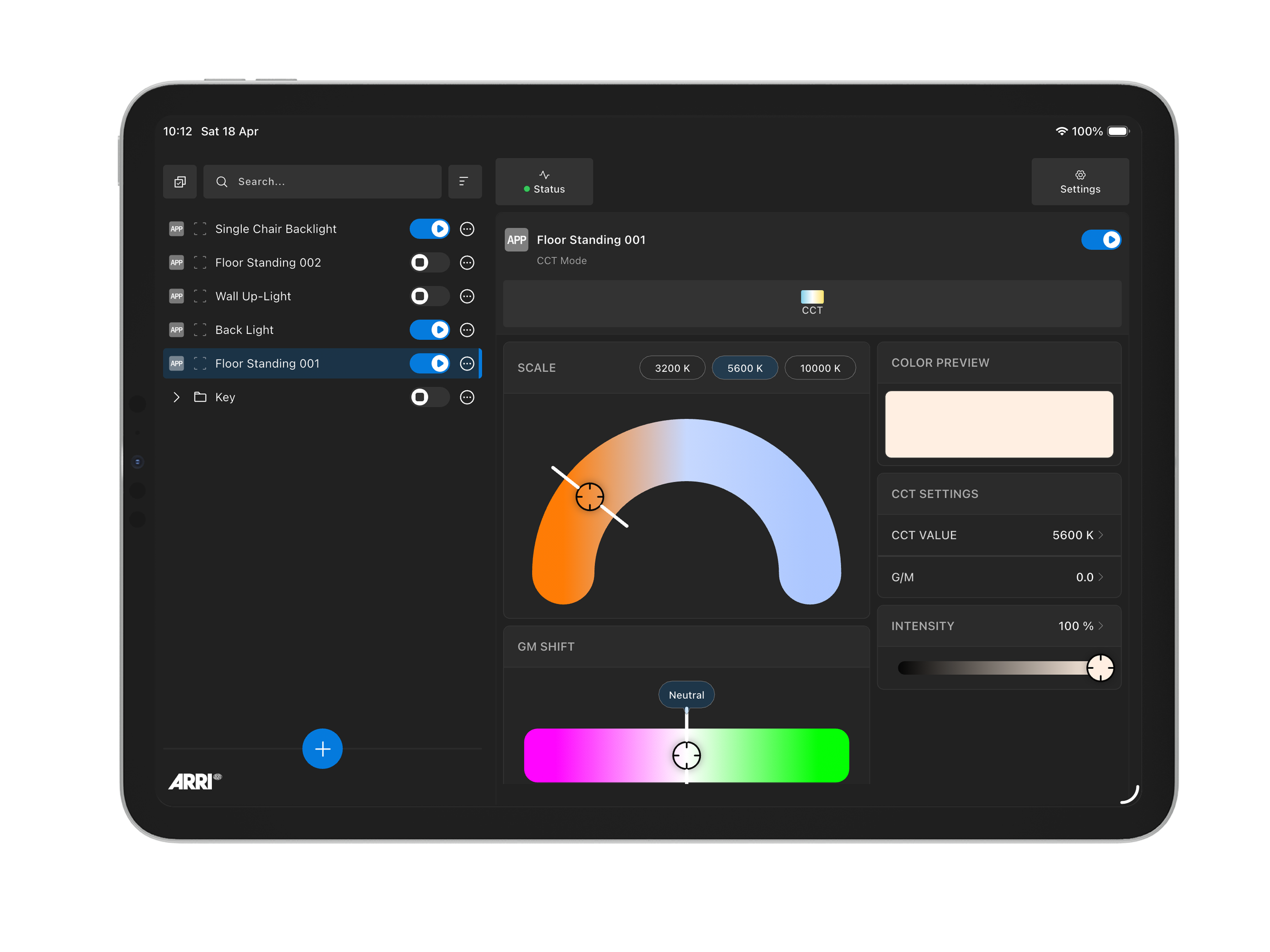
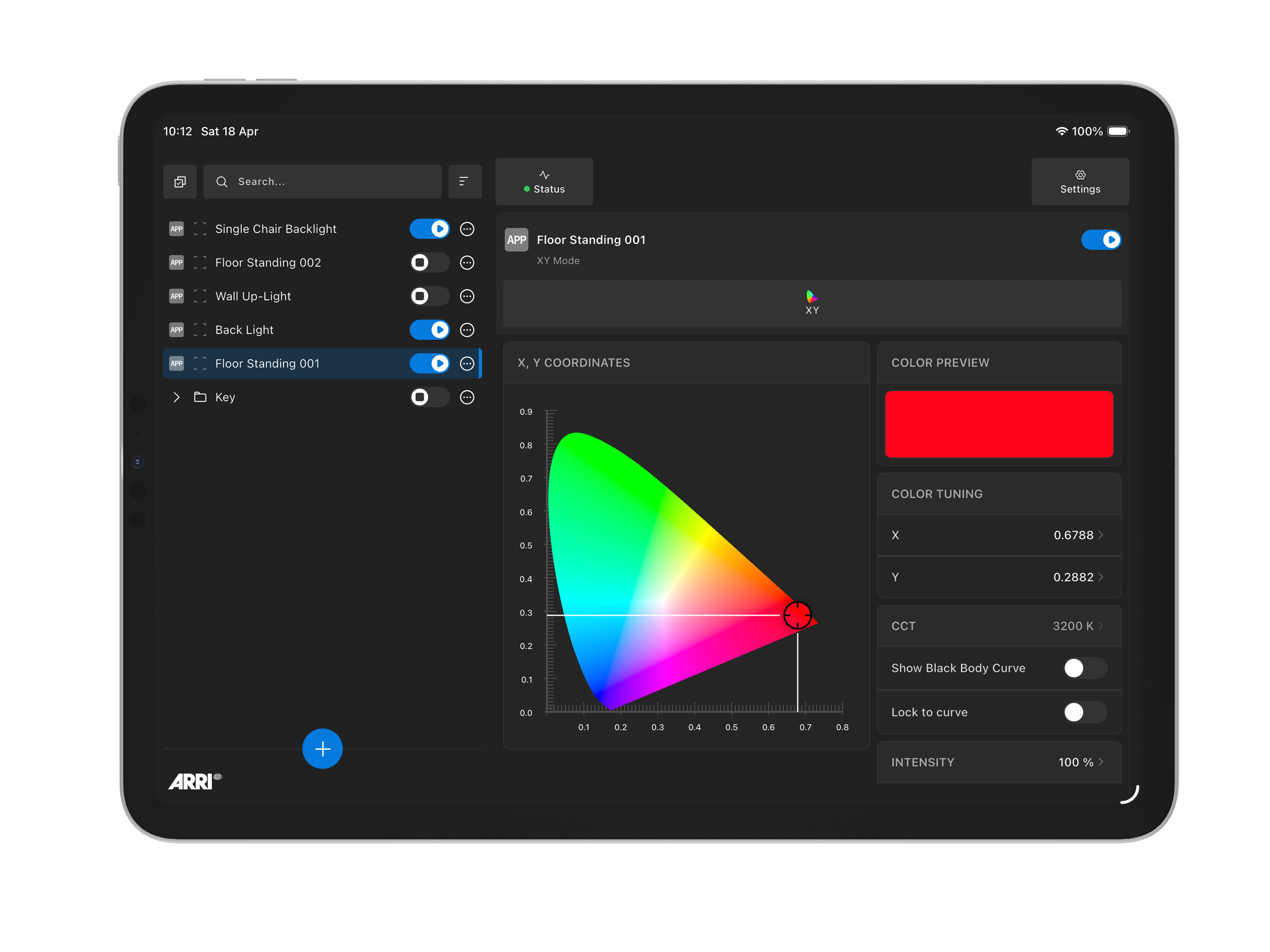
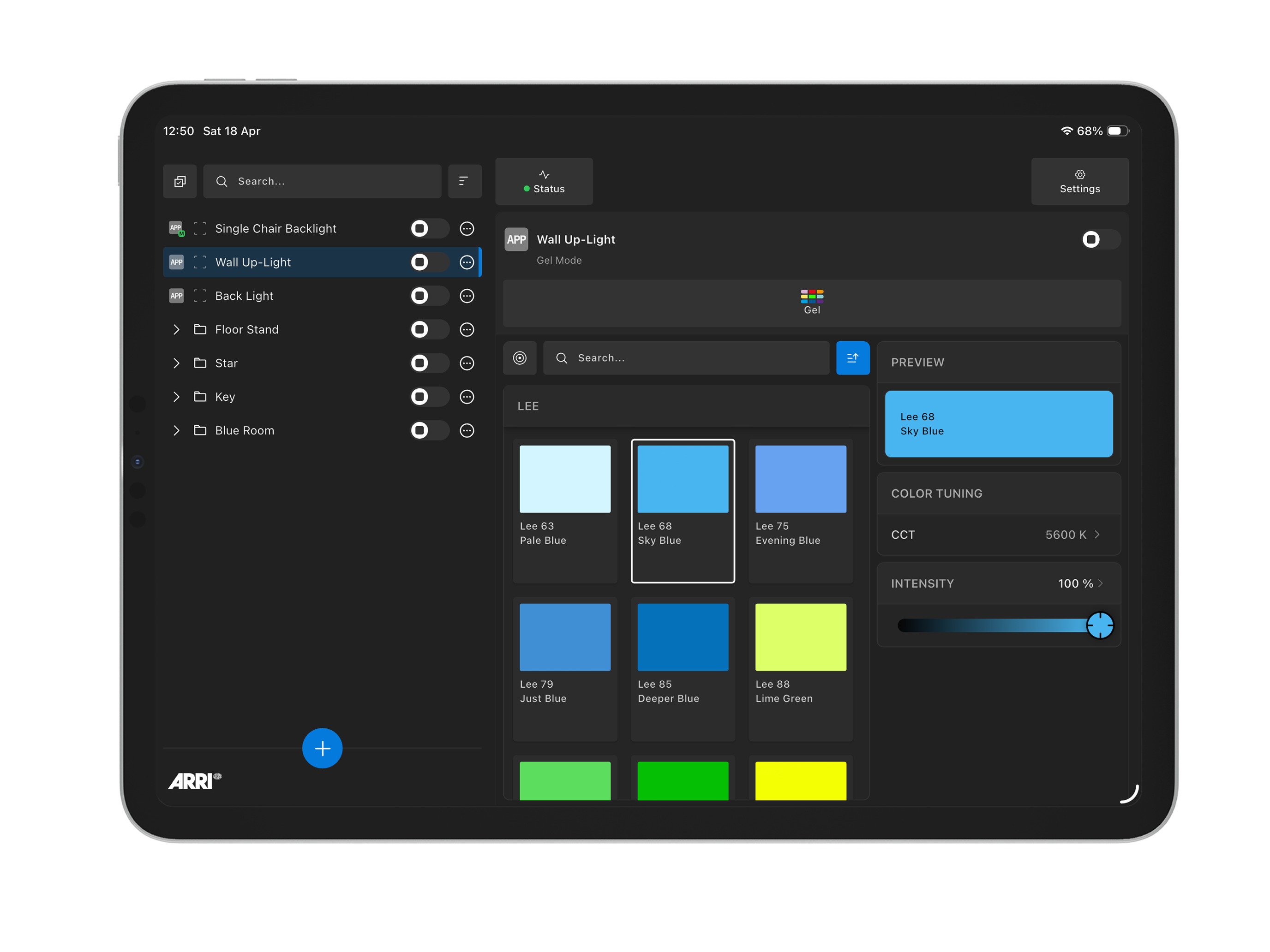
Adjust CCT, HSI, RGB, X,Y Coordinates, Gels, Media & Pixel Effects from one clean interface. Group fixtures to manage color and intensity across multiple Omnibars, create scenes for organised control, or build Shapes to drive pixel‑based effects across for dynamic, coordinated visuals.

Website_Loop_App(Thumbnail)
Automatic fixture discovery
Intuitive color and effects control
Scalable for complex setups

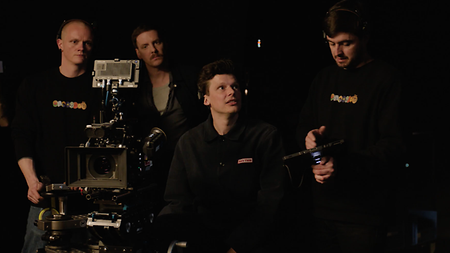
Omnibar Control feels immediately familiar. I can discover and organize fixtures quickly, make changes in real time, and control multiple Omnibars without slowing the workflow down. It is a smart, professional tool that makes setup faster and everyday work on set more efficient.

Quote-Benjamin-Martyn-Wheeler

Lucas Gebauer

Oberbeleuchter BLTV GmbH

ARRI Bluetooth Mesh
Intelligent wireless control with ARRI Bluetooth Mesh

Omnibar fixtures connect via Bluetooth using an ARRI‑designed mesh protocol, purpose‑built for professional lighting control. Fixtures communicate by relaying control commands across the network, delivering fast response, reliable synchronisation, and extended operating range, so your device can remain farther away while maintaining seamless, dependable control across the entire setup.

FAQ

Got questions? We’ve got answers.

Welcome to the Omnibar Control FAQ section. Here you’ll find practical information on app setup, connectivity, fixture discovery, control workflows, compatible devices, and more. Whether you are just getting started or looking for details on advanced features, these FAQs are designed to help you get the most out of your Omnibar setup.

  • The Omnibar Control App lets you discover, configure, and control your Omnibar fixtures quickly and intuitively. You can create scenes, Groups and Shapes, adjust color and effects, group fixtures, change settings, and manage more advanced lighting setups directly from your mobile device.

  • At launch, the app is designed specifically for ARRI Omnibar 2 and Omnibar 4 fixtures, as well as the Omnibase. It is the dedicated control app for Omnibar and is built to support fast setup, configuration, and day-to-day control workflows.

  • The app supports a comprehensive set of professional control features, including:

    • CCT
    • HSI
    • RGB
    • X,Y color coordinates
    • Gel selection
    • Media effects
    • Pixel effects
    • Fixture grouping and multi‑selection control
    • Advanced fixture settings
  • A Group is used to organize fixtures by scene, location, or any custom setup that matches your workflow. You can apply a single color or setting to the entire group, or fine‑tune individual fixtures within it, making Groups ideal when you want several fixtures to operate together.

    A Shape is used for creative control. Shapes allow you to apply pixel‑based effects across multiple fixtures at once, enabling coordinated patterns, movement, and dynamic lighting effects. Shapes can also be renamed, helping you identify specific effects or visual ideas quickly.

    Groups can contain other Groups or Shapes, allowing you to organise complex lighting setups more clearly. 

  • Yes. The app is designed to make setup and configuration faster, especially when working with more than one fixture. Multiple Omnibars can be selected together for batch configuration and quicker adjustment of settings.

  • Omnibars connect via Bluetooth using an ARRI‑designed mesh protocol, purpose‑built for professional lighting control. Fixtures communicate by passing control commands across the mesh, delivering improved responsiveness, reliable synchronisation, and extended operating range, allowing seamless control even when your device is farther away from the furthest fixture.

  • No. Once installed, the Omnibar Control App can be used offline. An internet connection is only required for app downloads and firmware updates. 

  • The app is available on iOS and Android devices. Recommended minimum OS versions and supported hardware are listed on the App Store and Google Play pages.

  • Yes. The current Bluetooth mesh limit is up to 30 Omnibar fixtures on a single device.

  • Yes. Firmware updates for Omnibar fixtures are performed exclusively through the Omnibar Control App. 

    To update one or more Omnibar fixtures: 

    1. Open the app and go to the Add Fixture screen.
    2. In the list of available Omnibars, select the fixture or fixtures you want to update.
    3. Tap the three‑dot (⋯) settings menu next to one of the selected fixtures.
    4. Choose ‘Update Fixture’ and follow the on‑screen instructions.

    You can update multiple Omnibars by selecting several fixtures and performing the update as a batch. The updates will be implemented one after the other.  

    Important: 
    Firmware updates must be completed before connecting Omnibars to a project or control group. Once fixtures are connected and active, they cannot be updated until they are disconnected. 

  • If you need additional support or would like to suggest a new feature or improvement, please contact ARRI Customer Support. You can also provide feedback and access support resources via the App Store / Google Play support links and the ARRI website.

ALEXA 35 Xtreme und CCA_image_Wide
Built to make lighting workflows simpler

Lighting setups can be demanding. The control experience should not be. Omnibar Control was developed to reduce complexity and give crews fast, reliable access to the tools they need—so they can spend less time managing fixtures and more time shaping light.

Download

The Omnibar App is available on the Apple App Store for iOS smartphones and tablets. Availability for Android devices on Google Play is coming soon.